
Compatibility
Minecraft: Java Edition
Platforms
Supported environments


Creators

Details
📺 AnimatedFrames — v1.6.1
Display GIFs, PNGs, JPGs, JPEGs and MP4 videos on screen!
AnimatedFrames allows you to display GIFs, PNGs, JPGs, JPEGs and MP4 videos within Minecraft using commands.
Requirements
- Loader support: Forge • Fabric • NeoForge • purpur • spigot • & forks
- Dependency: Watermedia
- Wiki: WIKI
📝 Commands
Client-side commands (/mediac) — only you see them
-
/mediac show <name> [duration] [position] [scale] [volume]Display media locally from your files. Example:/mediac show sunny.gif 10 center 1.0 80 -
/mediac stopStop the current media. -
/mediac listList files in your local folder. -
/mediac lang <en|es>Change the language (English or Spanish).
Server-side commands (/medias) — requires OP
-
/medias show <player|@a> <name> [duration] [position] [scale] [volume]Send media to the selected players. Example:/medias show @a example.gif 15 topleft 2.0 80 -
/medias stop <player|@a>Stop media for selected players.
Important: The media file must exist in each player's own client folder. Players without the mod or without the file will not see anything.
⚠️ File Location
Folder (client only): .minecraft/config/animatedframes/media/
- Place your
.gif,.png,.jpg,.jpeg,.mp4files here - Folder is created automatically on first use
- No server folder — each player needs the file in their own client
🔌 Plugin Support
AnimatedFrames also has a Bukkit/Spigot/Paper plugin version for server-side control. With the plugin, server admins can trigger media on players' screens without needing the mod on the server.
Players still need the client mod and the media files on their own
.minecraftfolder.
-
GIF, PNG, JPG or JPEG displayed locally (client):
.gif)
-
GIF, PNG, JPG or JPEG sent to players (server):
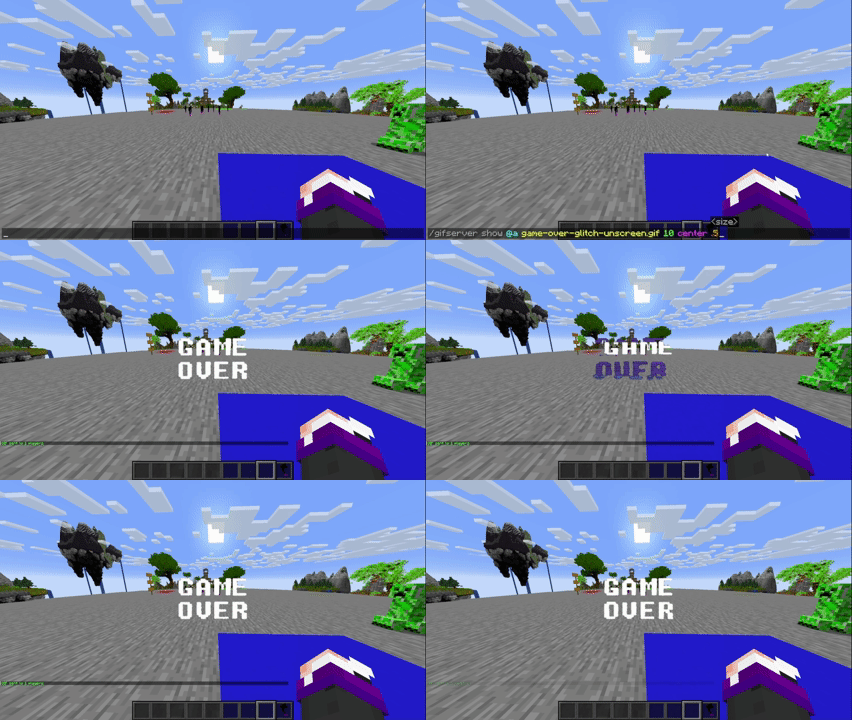
-
GIF, PNG, JPG or JPEG sent to players (plugin):
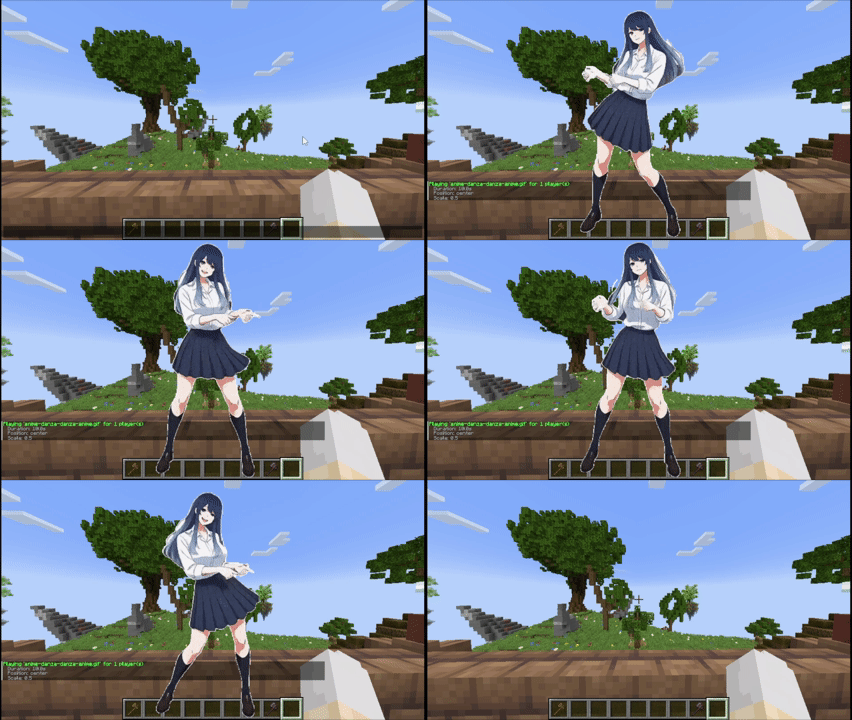
Tutorial
Placing files (Client only)
Folder Location: .minecraft/config/animatedframes/media/
Steps:
- Copy your GIF, PNG, JPG, JPEG or MP4 file into the media folder.
- Make sure the file has the correct extension (
.gif,.png,.jpg,.jpeg,.mp4). - Display it in-game:
- Local (only you):
/mediac show sunny.gif 10 center 1.0 80 - Send to others:
/medias show @a sunny.gif 15 center 1.0 80
- Local (only you):
Notes:
/mediac show→ only visible to you/medias show→ sends to other players — they must have the mod AND the file in their own client folder- No need to upload anything to the server
- Large files (>1MB) may cause slight delays
- Invalid files show an error in chat
- Use
/mediac listto see your available files - Volume range: 0–100 (default: 80)
- Media stops automatically when you disconnect
Available positions (10 options)
center topleft topright bottomleft bottomright topcenter bottomcenter leftcenter rightcenter fullscreen
fullscreen — fills the entire screen maintaining the aspect ratio of the media
Credits
- Created by @SunnyAim_
- 🎬 Mp4 Integration made possible with the help of @SoyKatto1
- Support: Contact @SunnyAim_ for help or questions.